
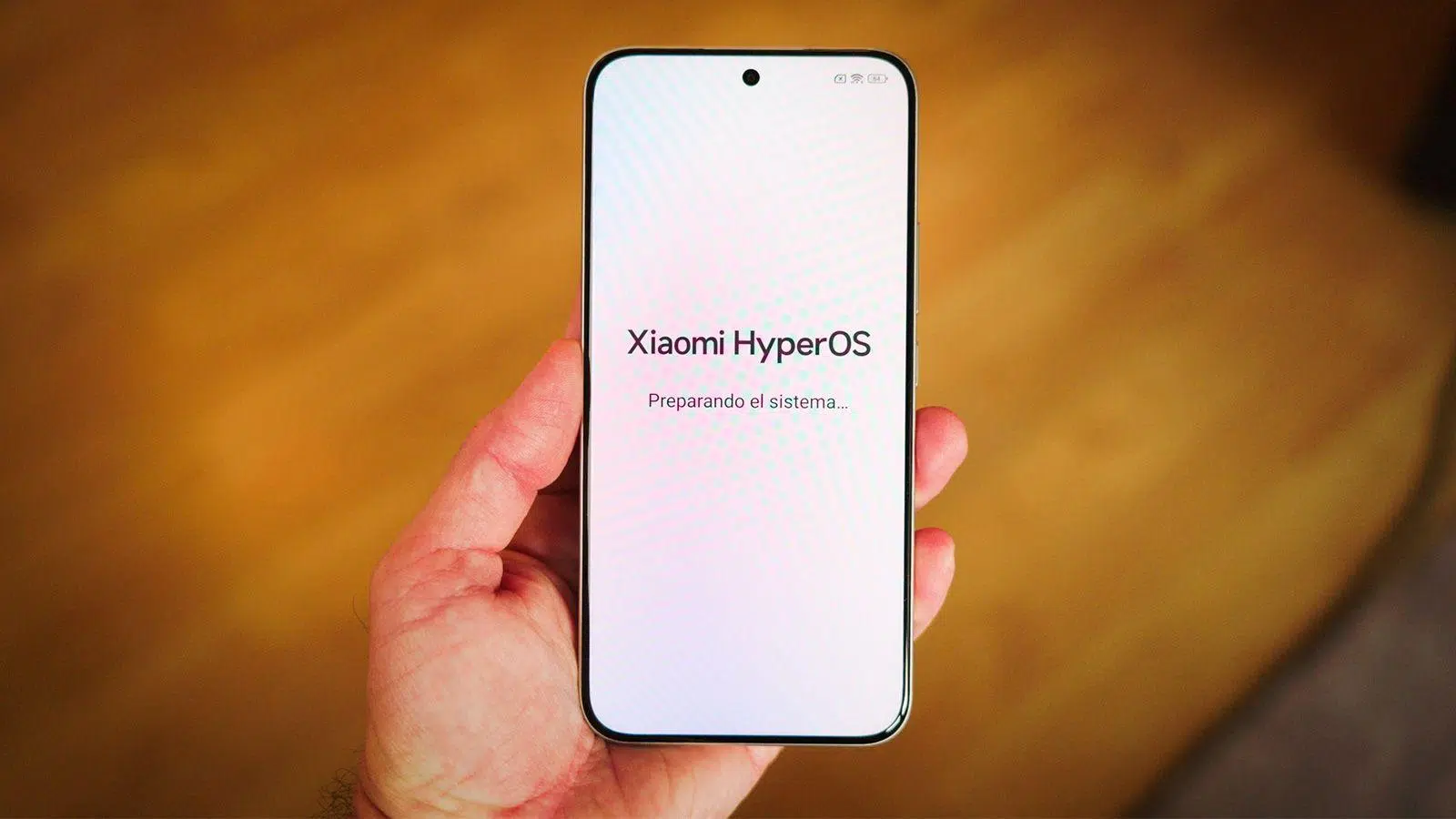
If you own a Xiaomi, Redmi, or POCO device, you already know that its operating system is a true Swiss Army knife. HyperOS has arrived to refine the user experience, offering a host of tools that give us the final say on how our phone works, although sometimes these options are so hidden that they go unnoticed.
Many people stick to the basics, like clearing the cache when their phone is slow or changing the wallpaper, but if you want to get the most out of your device and stop being a novice user, there are HyperOS tricks to optimize your Xiaomi that can completely change your daily life, especially regarding network usage and performance.

Beware of Network Acceleration: Don't let your data speeds fly by
One of the most powerful, but also most damaging, features for your wallet is found in the Network Acceleration section of the Wi-Fi settings. Essentially, HyperOS allows you to combine your wireless connection with your mobile network so you're never without internet access, but this can cause your data plan to run out much faster than expected.
Within this menu you will find three main options that you should know well: dual-band speed boost, which allows you to browse faster by connecting to multiple Wi-Fi networks, and the option to switch between networks, which automatically activates the mobile network if the Wi-Fi fails or has low power.
The most aggressive feature is the one that uses mobile data to boost speed, which combines 5G and Wi-Fi simultaneously. While this is ideal for those living in homes with dead zones , it's best to protect your data and optimize your phone by disabling these options if you prefer to control which connection to use and prevent the system from draining your data without you noticing.

Full customization and productivity tools
For those of us who like our phones to have their own style, the Themes app is key. It's not just about changing the background of the icons; from your user profile, you can modify the colors of the control center , the appearance of the status bar, and even the system animations, allowing you to completely customize the interface to your liking.
If you're looking to boost productivity, the sliding sidebar is an essential tool. To activate it, go to Settings, then Additional settings, then Floating windows, and enable Sidebar. This feature lets you launch apps in windowed mode , making it much easier to multitask or use split-screen without constantly switching between apps.
How to give the system a speed boost
When you notice your phone starting to lag or apps taking a long time to load, you can use memory expansion. This trick involves converting internal storage into virtual RAM , allowing the system to keep more processes open in the background and making the device more responsive.
To enable this, go to Settings, scroll down to Additional settings, and select the Memory extension or RAM expansion option . Here you can choose the amount of space you want to allocate to this feature, but keep in mind that you'll be sacrificing storage space where you would normally save your photos or videos.
By leveraging all these tools, from intelligent connectivity management to avoid unnecessary data usage, to HyperOS optimization to protect your data and improve performance, we will ensure that any HyperOS device runs much more smoothly and perfectly adapts to the real needs of each user.

Table of Contents