

Disney's streaming service isn't exactly the oldest, but it has become a favorite for many. The Disney+ catalog is truly varied, and its productions rarely disappoint. However, just like competing platforms, Disney+ isn't infallible . When sitting down on the couch, you might experience some kind of problem that prevents you from connecting to the servers. Throughout this post, we'll explain what you should do to resolve any issues you encounter while watching Disney+ on any device.
Common Disney+ problems

In this first section, we'll discuss common problems with Disney+ regardless of the device and operating system you're using. Almost 90% of the time you have trouble viewing the Disney+ catalog, it will be due to the app, the device you're using, or your internet connection.
For this reason, below we will show you some general tips to solve the most common problems of Disney +. Our recommendation is that you apply them one after the other in order. Before you finish the list, most likely you have solved your problem:
- Reboot your TV, streaming device, computer or phone
- Close and reopen the Disney+ app on the device you are using.
- Reboot your router.
- After restarting the router, check for Internet problems. Is your connection stable?
- Update the app Disney+ to the latest version
- Uninstall and reinstall the app from Disney+.
- Check for updates on your TV or streaming device.
- Check if the Disney+ service is down.
If this hasn't worked, read on for specific tips and a list of common Disney+ error codes and their meanings.
Error: Connection not possible
A common problem with Disney+ is seeing a "cannot connect" error. This means that your device or browser was unable to connect to the server.
This usually happens because Disney+ is overloaded with too many users trying to access it at the same time. Other times, it's because you opened the app too quickly before your device could establish an internet connection. This problem usually resolves itself in a few minutes. Close the app, wait a minute or two, and try again.
The Disney+ app constantly closes or hangs
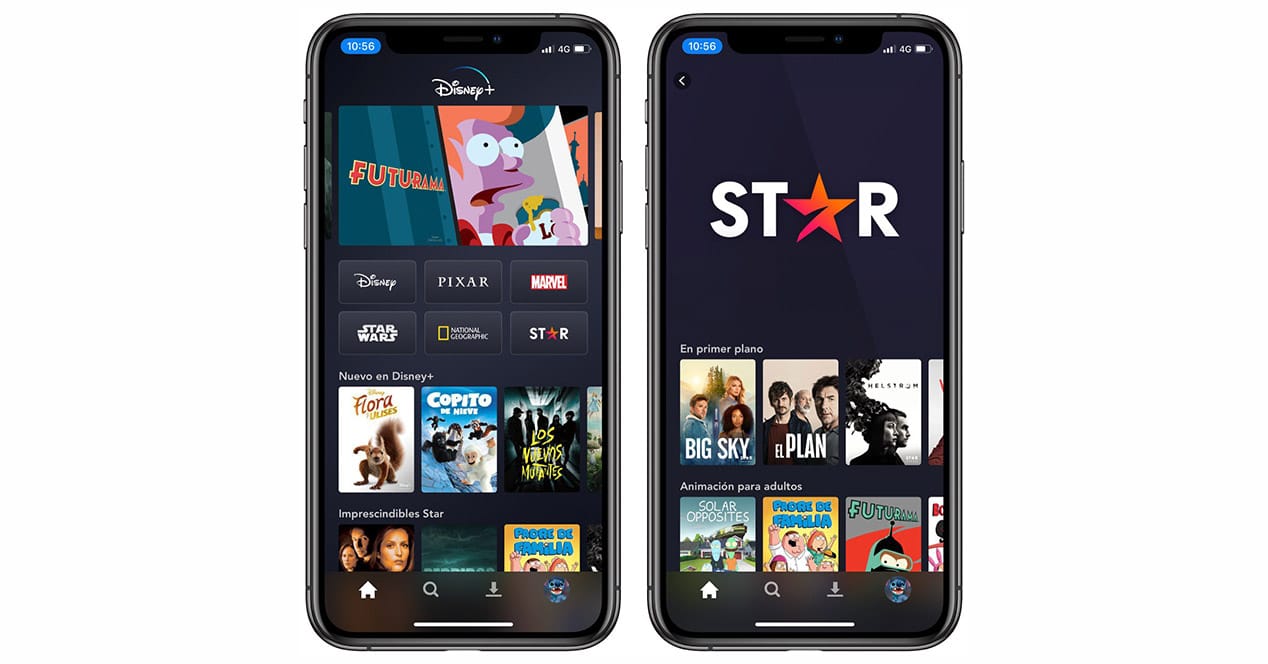
Is the Disney+ app constantly crashing? The first step is to restart the Disney+ app and the device you're using.
At this point, make sure you have enough space in the internal storage of the device you're using. The crash could be due to the app not having enough space to manage its internal files.
If the problem persists, uninstall and reinstall the app . From there, you should investigate whether it's an issue with your phone, dongle , or whatever device you're using. If this doesn't happen with other apps, it's best to go to the Disney+ Help Center or call their customer service.
Error: Codes 39 and 83
Two of the most common Disney+ issues are error code 39 and error code 83.
Error 39 on Disney+
Error code 39 means the video you're trying to watch is currently unavailable. This could be due to a regional availability issue . This error often occurs if you've been traveling to another country or if you're using a VPN or proxy to connect to the internet.
Additionally, error 39 can often occur when you try to stream Disney+ using the Xbox app . As a first step, try restarting your Xbox. If that doesn't work, there's a trick to bypass this error: use another device to start watching the episode or movie you want to watch. Start it and then exit the app. Next, return to your Xbox and tap 'continue watching'. The error should be gone.
What does Disney+ Error 83 mean?
Error code 83 is another fairly common problem. It occurs when using mobile data for the connection instead of Wi-Fi. It also appears when iPhone and Android users are connected to a hotspot.
This error can be fixed by configuring your mobile's APN , but this won't guarantee success and you could even lose your mobile's connectivity if you don't do it correctly.
If you encounter this problem, the best solution is to find a Wi-Fi network and download the content offline to your device if you're going to be away from home for a while and want to continue enjoying Disney+ content.
Other typical Disney+ mistakes
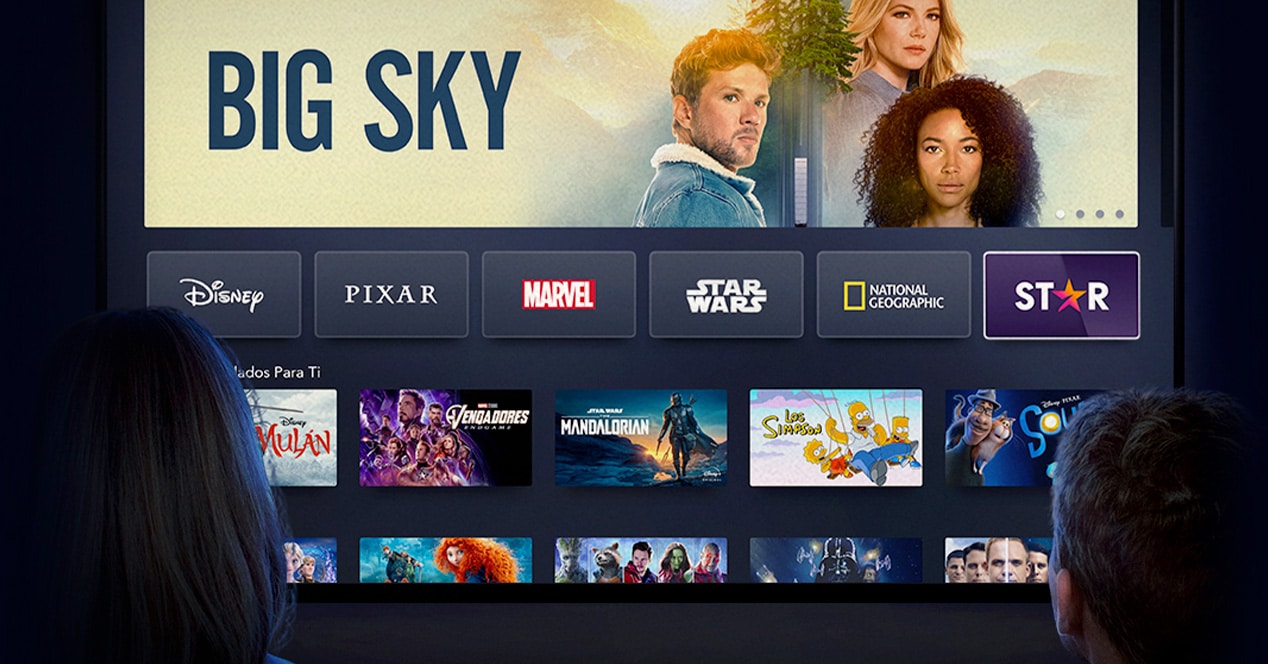
There are many other error codes that the Disney+ application can show us after a failure. However, almost all of them have their origin in the problems that we have discussed in previous paragraphs. Some of the most interesting are the following:
- Errors 11, 15, 29, 55, 36 and 44: the content you want to see is not available in your current location. The solution to these errors is the same as we have seen for error 39.
- Error 22: means Disney+ parental controls are working, so age-restricted content is being blocked.
- Error 31: The app is having trouble determining your location. If Disney+ does not know your location, it will not show you any catalog, since each of them is restricted by country. Fixing this bug is as easy as disabling the VPN you're using. If this happens to you on a public Wi-Fi network, the solution is more complicated, because since you don't own the network, you won't be able to do anything about it.
- Error 43: You started watching a series or a movie, but for one reason or another, the work is no longer available in your region.
- Error 86: it is one of the most fearsome errors. It means your account is locked. If you haven't done anything wrong, your account may have been locked because you were hacked. If not, it is also possible that there is a problem with your membership payment. This mistake is also common if you have dedicated yourself to reselling your account. In any case, you should talk to customer service to explain what has happened.
Table of Contents